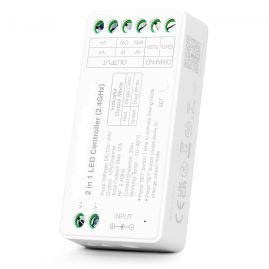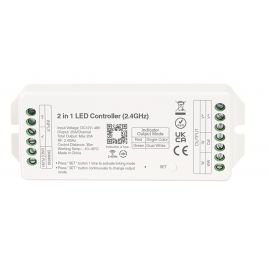


- Stock: In Stock
- Model: Touch Dim - KB

- Very simple and stylish interface.
- Adjustment of brightness/color temperature of the glow using a rotary knob.
- Remote (2.4GHz) control (up to 30m).
- Magnetic mount.
- An unlimited number of signal receivers can be configured for each Dimmer.
- Ideal for remote control of mono-color and bi-color (CCT) LED strips, and in conditions where it is not possible to install wired dimmers.
- There are buttons in the four corners for four customizable scenarios. This is especially convenient when using hybrid LED strips with adjustable color temperature.
- Recommended for private interiors, cafes, restaurants, shops.
Used to control receivers – dimmers of the Touch series.
|
Control:
- Switch on/off by short pressing of the rotary knob.
- Turn the knob to adjust brightness.
- A long press (with the light on) switches to color temperature adjustment mode (when controlling a two-color strip via the corresponding Touch series receivers). After this, rotating the dimmer adjusts the color temperature, and after 3 seconds of inactivity, the dimmer returns to normal brightness adjustment mode.
- Long press (when the light is off) - switch to night mode (weak glow).
The scene buttons are located in the corners of the remote control. A short press launches a saved scene (brightness and color temperature settings), which can be customized. A long press (3 seconds) saves the current settings (the light will blink slowly once to confirm saving).
ATTENTION: You may need to initially configure the remote control with the receiver. To do this, immediately (within 3 seconds) after connecting power to the receiver, press the SET button (open the lower part of the remote control's front panel to access the button) three times within 3 seconds. The light should flash smoothly three times, indicating that the connection between the receiver and the remote control has been established. If this does not happen, unplug the light and repeat the process after 10 seconds.
To delete the established connection between the receiver and the remote control, you must immediately (within 3 seconds) after connecting power to the receiver, press the SET button five times in a row within 3 seconds. After this, the lamp should make 10 light flashes - this means the connection between the receiver and the remote control has been deleted.
Installation:
Equipment:
Dimmer, instructions.
12 months warranty
Also buy with this